
Historical record: This report is older than 30 days. While the core tactics remain relevant, scammers may have evolved their methods.
Before you reply or pay
Scamil Email Checker → Paste the full email (headers + body) to scan for phishing patterns.
Protection guide: Phishing & Smishing Guide
Reviewed by ScamReporting.org Editorial Team · Editorial standards
Reported July 2026 — Editors flagged elevated reports of QR payments in public places across U.S. consumer hotlines and reader submissions.
Quick answer
If a QR code on a parking meter, flyer, or sign sends you to a checkout page that asks for card details, treat it as suspicious. Stickers can be swapped. Use the official parking app, kiosk, or type the city/operator URL yourself.
How This Scam Works
- Sticker swap: Criminals place a look‑alike QR sticker over a legitimate code.
- Fake checkout: The QR opens a phishing page that mimics a parking payment portal.
- Card capture: Victims enter card details; attackers use or sell the data.
- Sometimes malware: Some QR pages attempt downloads or push “install the app” prompts.
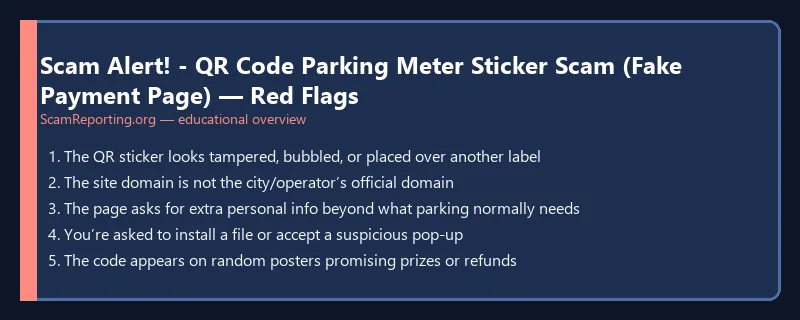
Red Flags
- The QR sticker looks tampered, bubbled, or placed over another label
- The site domain is not the city/operator’s official domain
- The page asks for extra personal info beyond what parking normally needs
- You’re asked to install a file or accept a suspicious pop‑up
- The code appears on random posters promising prizes or refunds
What To Do
- Don’t pay via a QR code that looks like a sticker overlay. Use the official app or meter instructions.
- Type the site yourself (don’t rely on the QR) or use a verified app store listing.
- If you paid, monitor your card and consider replacing it if you entered details on a suspicious page.
- Report the sticker to the city/operator and to the FTC at ReportFraud.ftc.gov.
Related: QR code phishing: what to do.
Reminder: ScamReporting.org is an independent awareness platform — not law enforcement. If you sent money, see recovery steps.